
Documents and signing
Move the paperwork forward.
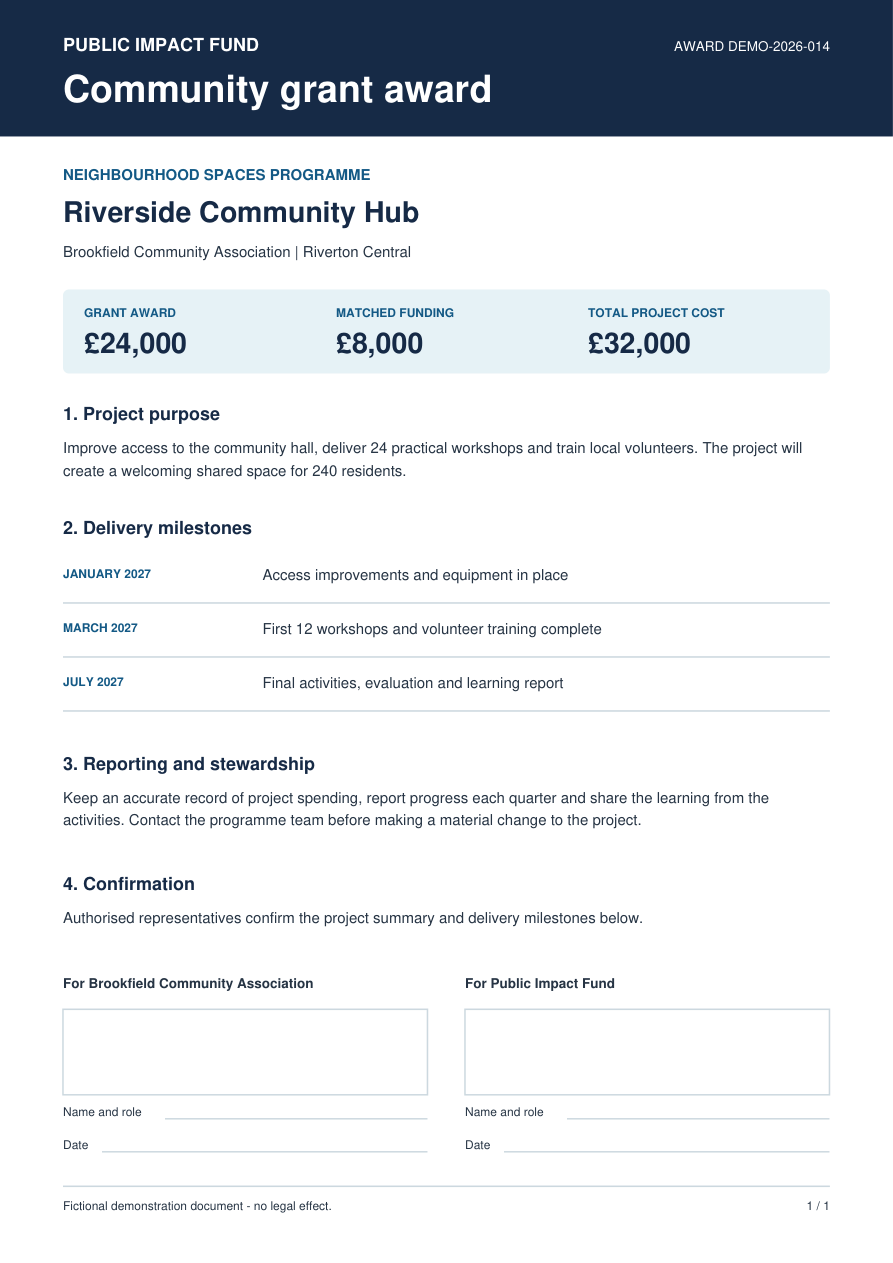
Turn the information you collect into documents people can use. Prepare PDFs from answers, help people review and sign, and keep completed records ready for the next step.
Less rekeying for your team. A clearer document journey for the people you serve.
Keep paperwork connected to the task
Create a document from an application, ask someone to review and sign during a service, or invite recipients to an agreement through Govform Sign. Choose the route that suits the people involved.
Create the document without rekeying the answers
Turn the answers you already have into consistent PDFs, with no copying between forms, templates and systems.
Put your existing templates to work
Keep the PDF layouts your organisation relies on. Map service answers onto your template, including repeating information where configured.
Help people check and sign in one journey
People review the completed PDF in their browser and add a typed or drawn signature. The document and signature evidence stay with the record. Signing and optional sealing need an approved configuration.
Keep agreements moving with Govform Sign
Prepare a PDF, place fields for each signer and send it from one workspace. Track progress and resend an invitation when someone needs it. Talk to us about availability and the number of signers you need.
Have the completed record to hand
Completed documents and their evidence stay available for follow-up, within your access and retention settings.
Choose the journey that suits the job
Generate a PDF when your team needs a finished document. Add review and signing to a service when the applicant needs to check it. Use Govform Sign when you need to invite recipients and track an agreement.
Make everyday paperwork easier
Consistent application records, familiar PDF forms completed online and agreements tracked through to signature.
Build around your document requirements
Choose who can see completed documents and how long they are kept. Check that your chosen signing approach meets the legal and assurance requirements for the document.
Questions
Frequently asked questions
Ready when you are
Make the next document easier to complete
Show us the forms, templates or agreements you work with. We’ll help you connect the information, review and signing steps.